
To add a link to an Instagram Story, create or upload your Story, tap the Stickers icon at the top, choose the Link sticker, paste your URL, and tap Done. Drag the sticker where you want it, tap it to change its color, then share. Anyone who sees your Story can tap the sticker to open the page.
The link sticker replaced the old swipe-up link in 2021 and has been open to every account since October of that year. You don't need a minimum follower count or a business account. The exceptions are brand-new accounts and accounts that repeatedly break Instagram's Community Guidelines, which don't get the sticker.
Below are the full steps, how to get more people to tap, how to track clicks, and fixes for when the link sticker doesn't show up.
| Where you add the link | Clickable? | Who can use it |
|---|---|---|
| Story link sticker | Yes | All accounts, except new accounts and repeat rule-breakers |
| Bio (up to 5 links) | Yes | All accounts |
| Direct messages | Yes | All accounts |
| Post and Reel captions | No, apart from a limited test | Since March 2026, some Meta Verified subscribers can add up to 10 clickable caption links a month |
Why links in Stories matter
Instagram keeps people inside the app, so places where you can send traffic out are scarce. Your bio link is one tap away from your profile, but most people who watch your Stories never visit your profile. A link sticker puts the link right in front of the people who are already paying attention.
Stories also suit time-sensitive links. A new blog post, a sale that ends tonight, a waitlist, a ticket drop or a YouTube upload all make sense as a 24-hour nudge. Save the evergreen links for your bio.
How to add a link to your Instagram Story
- Open Instagram and tap your profile picture with the plus at the top of your feed, or swipe right from the feed, to open the Story camera.
- Take a photo or video, or swipe up to choose one from your camera roll.
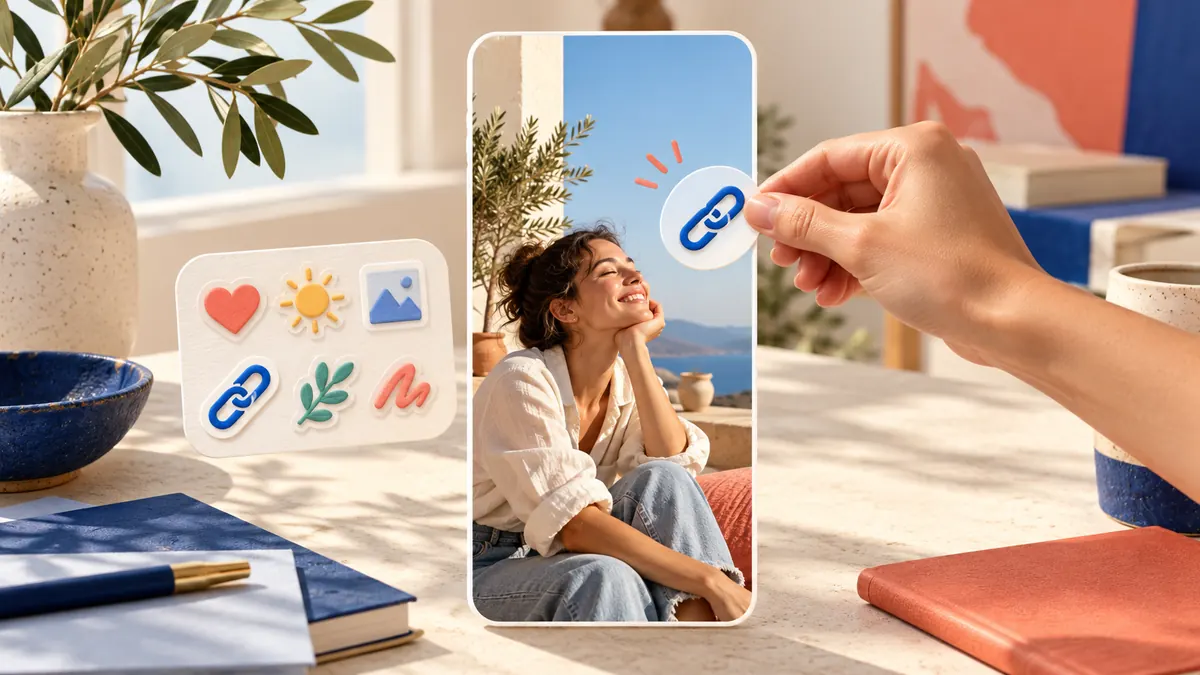
- Tap the Stickers icon (the square smiley face) at the top.
- Tap Link. Use the search bar if you don't see it in the tray.
- Paste or type your URL. Tap See preview to check what people will see when they open it.
- Optional: tap Customize sticker text to replace the web address with your own words.
- Tap Done, then drag the sticker into place and pinch to resize it.
- Tap the sticker to cycle through its color styles.
- Tap Your story or Close Friends to share.
Quick checks before you share
- Open the preview. A typo in a URL is the most common reason a link sticker "doesn't work."
- Use a page that loads fast on mobile. People tap from their phone and leave if it hangs.
- Avoid login walls. If the page needs a sign-in, most viewers will bounce.
- Keep the sticker away from the edges. The top has your profile name and the bottom has the reply bar.
Make the link sticker worth tapping
Write custom sticker text
By default the sticker shows the web address, which tells people nothing. Custom text turns it into a call to action. Describe what they get, not what they have to do.
| Vague sticker text | Clear sticker text |
|---|---|
| mysite.com | Get the free checklist |
| Link | Read part 2 |
| Shop | Shop the 20% off sale |
| Click here | Book a spot for Thursday |
Place it where thumbs go
Put the sticker in the middle or lower-middle of the frame, close to the subject of the Story. Don't cover faces or text. Leave space around it so it doesn't look like part of the background.
Point at it
One line of text or an arrow that points to the sticker ("Full recipe here") lifts taps more than the sticker alone. A short frame before the link Story that explains why it's worth tapping helps too.
How to track link sticker clicks
Add UTM parameters
If you use Google Analytics or a similar tool, add tags such as ?utm_source=instagram&utm_medium=story&utm_campaign=spring_sale to the end of your URL. Your site analytics will then show exactly how many visits came from that Story.
Check Story insights
Any public account can see Story insights. Open the Story, tap Activity, then Insights. Link taps count under Interactions, alongside replies, shares and sticker taps. Expired Stories keep their insights for up to two years. You can find them later in your dashboard under Content you shared. Read more in our guide to turning on Instagram insights.
Schedule your Stories with ViralFarm
ViralFarm schedules and publishes Instagram Stories from any browser, along with feed posts, carousels and Reels, so your Story plan doesn't depend on remembering to post at the right moment. It needs a Business or Creator account.
Instagram's publishing API doesn't support interactive stickers, so Stories published automatically through it, by ViralFarm or any other scheduler, go out without a link sticker. When a Story needs a link, add the sticker in the Instagram app. Schedule everything else ahead.
Common link sticker problems and fixes
You can't find the link sticker
- Update Instagram to the latest version and search for "link" in the sticker tray.
- If your account is new, wait. Instagram withholds the sticker from new accounts.
- Check Account Status in Settings. Accounts with repeated violations can lose the link sticker.
People say the link doesn't work
- Test the link yourself by viewing the Story from another account.
- Make sure the URL includes the full address and doesn't redirect through something Instagram blocks.
- Check that the page works in Instagram's in-app browser, not only in Safari or Chrome.
Nobody is tapping
- Swap the URL for custom sticker text that names the payoff.
- Move the sticker to the center and add an arrow or a line of text that points to it.
- Post the link Story when your audience is most active, which you can see in your insights.
Other ways to share links on Instagram
- Bio links: Add up to 5 links under Edit profile > Links. Your top link shows on your profile, and people tap to see the rest.
- Highlights: Save a Story with a link sticker to a Highlight and the link stays live on your profile after 24 hours.
- Direct messages: Links in DMs are clickable, which is useful when someone asks for one.
- Captions: Links in captions aren't clickable for most accounts. Instagram began testing clickable caption links for some Meta Verified subscribers in March 2026, capped at 10 a month.
Polish the profile your Story viewers land on with the free Instagram bio generator.
Frequently asked questions
Do I need 10,000 followers to add a link to my Instagram Story?
No. That was the old swipe-up rule. Since October 2021 the link sticker has been available to all accounts, except new accounts and those that repeatedly violate the Community Guidelines.
Can I change the text on the link sticker?
Yes. When you add the sticker, tap Customize sticker text and type what you want the sticker to say. Keep it short and specific.
Can I add more than one link to a Story?
Yes, you can add a link sticker to each Story frame, so a sequence of Stories can carry several links. Keep one clear link per frame so people know what to tap.
Can I add a link to a Story from my computer?
Not from instagram.com, which has no Story upload in its regular desktop view. Add link stickers in the Instagram mobile app.
Why did my link sticker disappear?
Instagram can remove access to the link sticker for accounts that repeatedly share content that breaks its rules. Check Account Status in Settings to see if anything is flagged.
Can I add a link to a Close Friends Story?
Yes. The link sticker works the same way. Choose Close Friends instead of Your story when you share.
Want your Stories, posts and Reels planned out in advance? Schedule them from your browser with ViralFarm. Start free — no credit card required.